Skip to content

Your digital library.

Links, notes, pictures and files, saved together in one personal collection. Searchable by topic, idea or even a small detail.

Get started

New saves in your inbox

Easy to save. Simple to find.

Never let a good idea go unsaved. Fragmentum prepares it automatically, so you can find it later.

  1. Save

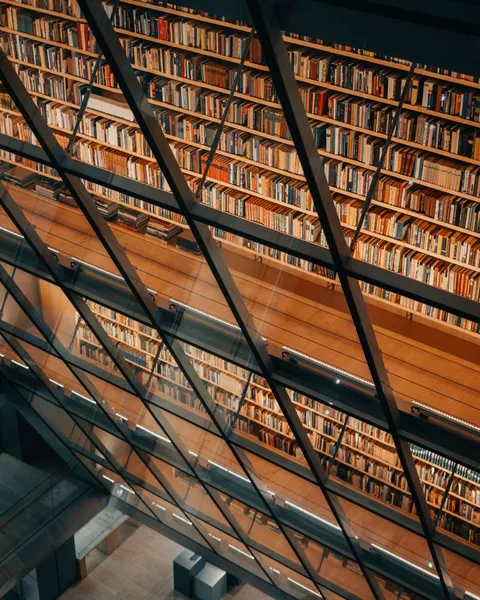
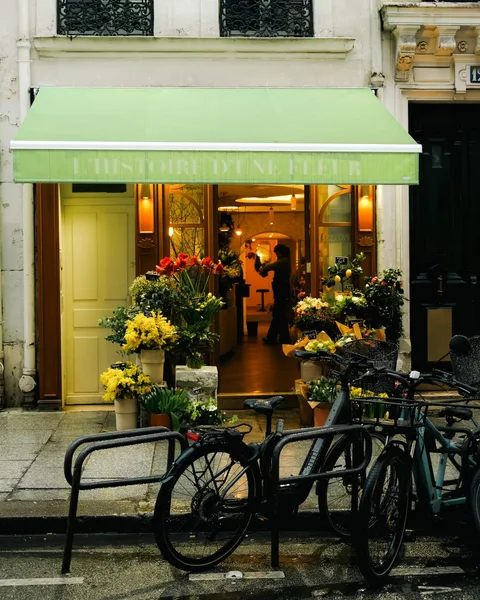
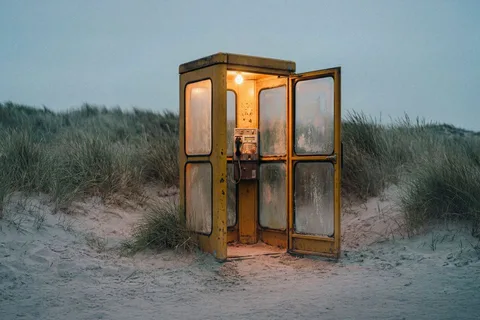
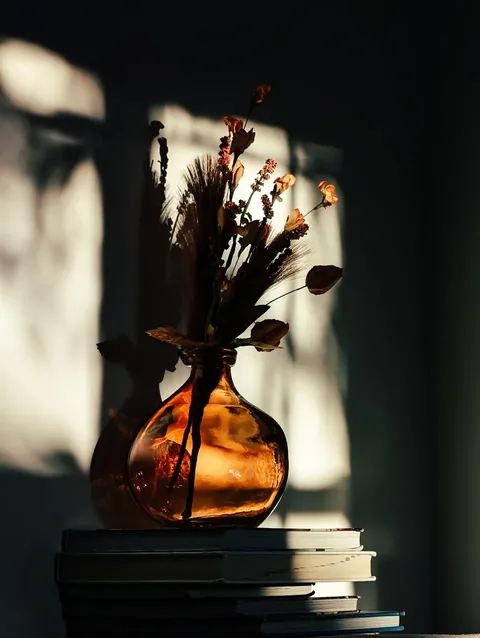
    Illustrative browser: a Fieldnotes feed browses articles about library architecture and shopfront design, then saves “Who is public space for when nobody’s calling?” and its illuminated phone booth among coastal dunes through the extension’s “Save link to Fragmentum” menu. An image-led amber-vase photo essay breaks up the endless list. Written field notes, a reading list and notebook sections extend the feed. After saving, one fast swipe coasts through the list and returns to the same article.

    Save anything worth keeping to your library.

    Add from your browser, share from your phone, or bring in links, files and notes directly.

  2. Process

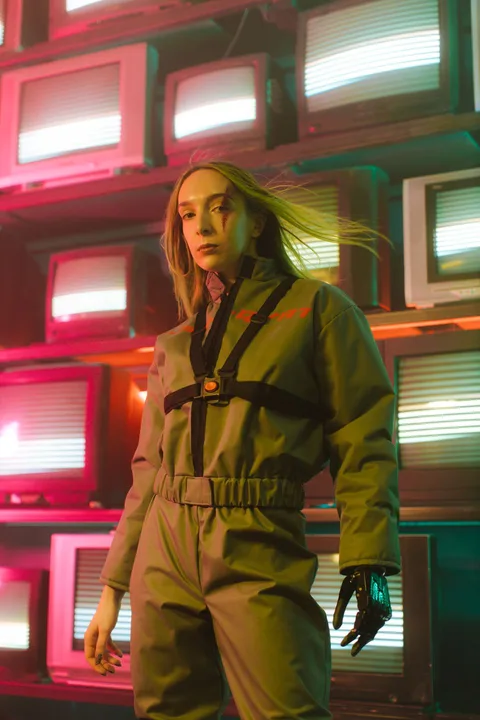
    Example: a saved photograph gains the tags CRT screens, Cyberpunk, Prosthetic hand, Retro televisions, Green jumpsuit, a five-colour palette extracted from the picture and an illustrative AI summary: A woman in an olive-green jumpsuit and black harness stands before stacked CRT televisions. Pink and teal light catches her metallic prosthetic hand, giving the portrait a cinematic, retro-futuristic feel.

    Your saves, automatically described, summarised and tagged.

    Add your own notes, refine the tags or arrange things into boards when needed.

Ask AI about everything you’ve saved.

Answers come from your own articles, notes, files and videos, with every source one click away.

Get started
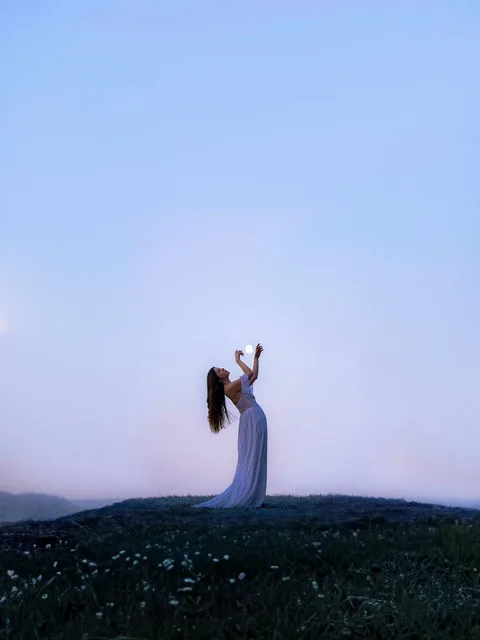
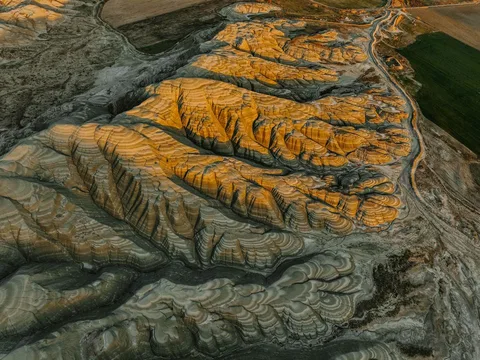
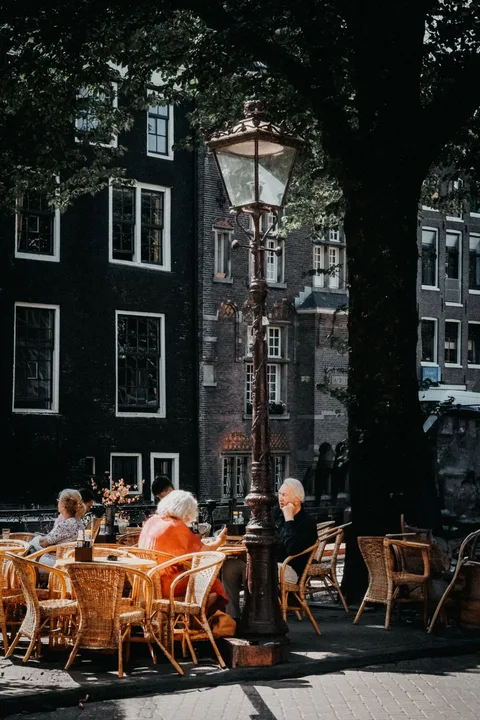
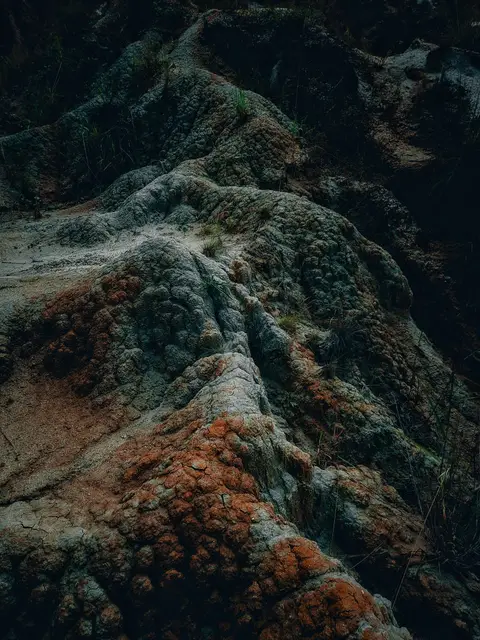
Illustrative Ask AI conversation, not live AI output. Answers cite saved pictures, articles, notes, files and videos, with source excerpts and cover previews. The completed conversation scrolls upward at a steady speed. “What do I have saved about portrait lighting?” I found three useful starting points in your library: - A blue-hour portrait that uses the open sky and space around the subject. - A market portrait where metal surfaces and the backdrop shape the image. - A video showing how one close light changes the mood, with the clearest example at 4:12. “How do those relate to my portrait notes?” Your note combines ideas from two of them: the quiet, cool surroundings of the blue-hour reference, and a warm light held close to the subject from the video. Your small-room note makes that practical: one light and a dark backdrop, rather than recreating the outdoor location. “Which landscape had those rust-red hills?” The Nallıhan photograph in your colour references: rust-coloured ridges threaded with charcoal-grey folds. You saved it for the bands of colour and the way the frame leaves out the sky. “What did I want to borrow from it?” Your note is about composition, rather than recreating the place: - Keep the broad bands of warm and cool colour. - Let texture do the work instead of adding a strong focal point. - Leave the horizon out, so the image reads almost like an abstract. “Compare the two portrait references I saved.” They use the surroundings in different ways: - Blue hour: a small figure against an open, cool sky. The empty space creates the atmosphere. - Market portrait: the subject fills the frame, with metal pots adding texture and reflections. Your test note leans toward the first mood, but with one close, warm light. “Could I try that with just one light?” Your saved lighting video shows the light held close to the subject while the background stays dark; the useful example starts at 4:12. That fits your small-room note: one light, a dark backdrop and warm hands against cooler surroundings. “What was the process for testing a new glaze?” The article says to test on a separate tile before using a finished pot. Your studio log adds what to record: clay, glaze, number of coats and a photograph after firing. Keep each variation separate so you can trace the result back to its notes. “Make that a checklist for the next session.” From the article and your studio log: - Prepare a separate tile for each variation. - Label the clay, glaze and number of coats. - Keep those labels with the tiles through the test. - Photograph the fired tiles and add the results to the log. “Which café reference had the orange chairs?” The Amsterdam terrace in “The city at terrace level”. Your walking note mentions the orange chairs and old street lamp, and says to sit outside if there is room. The saved article does not name the café, so I cannot give you a reliable venue name from these sources. “What did I want to remember about that place?” The atmosphere, more than a destination: woven chairs, warm colour and the terrace beneath the trees. Your note picks out the street lamp and suggests taking time to sit outside. It is a reference for how a small public space feels lived in.

Your library, explained.

Is Fragmentum free to use?

Yes. Start with the Free plan, with paid plans available for more storage and AI questions.

See pricing
Can I bring my existing bookmarks?

Yes. Import from your browser, connect Raindrop or Readwise, or upload an export from Pocket, Instapaper, Omnivore and others.

Who can see what I save?

Only you. Your library is private to your account. Others see a board only if you share its link, and your notes only if you choose to include them.

What if a page I saved disappears?

Fragmentum keeps the readable text of most pages you save, and can keep a copy of the page itself, so it stays yours even if the original changes or goes away.

Can I take my library with me?

Yes, at any time: a bookmarks file, CSV or JSON, or a Markdown folder with your notes, highlights and saved text.

Where can I use it?

In your browser on your phone, tablet or computer, with a browser extension and a Windows app.

See apps and downloads